Onboarding
In this section, you will find an onboarding guide for StackSpot EDP.
What is StackSpot EDP?
EDP stands for Enterprise Developer Platform. It is a core component of the StackSpot platform, focused on enabling the creation, standardization, organization, and deployment of Applications and Infrastructure.
With StackSpot EDP, companies can:
- Create and manage reusable content such as Stacks, Plugins, and Actions.
- Distribute content centrally to ensure consistency and best practices across teams.
- Accelerate and standardize development workflows, improving efficiency and maintaining high quality throughout the entire software development lifecycle.
- StackSpot EDP combines all the tools to streamline collaboration, automate tasks, and deliver reliable, scalable solutions.
Where can you access StackSpot EDP?
You can access StackSpot EDP in two ways:
-
StackSpot Portal: This is a web interface for managing and utilizing all resources available on the platform.
-
STK CLI: This command-line tool is designed to create, configure, and automate tasks.
To get started:
- Log in to the StackSpot EDP Portal using your company email.
If you cannot log in and belong to a company, please reach out to your organization's StackSpot Account administrator to request access and permissions.
Initial Setup (Admin/Account Holder)
If this is your first time accessing StackSpot EDP and you are an Account Holder or Admin, follow the instructions below to set up your organization's environment:
1. Choose your company’s SCM (Source Code Management):
2. Configure the StackSpot Self-Hosted Workflow with your Cloud provider:
-
Define how users in your organization will deploy Applications and Infrastructure.
To set up, go to the deployment page. -
For detailed instructions on each step, see the initial setup guide.
StackSpot Fundamentals
StackSpot EDP works as a set of reusable building blocks for software development.
Each block represents a technology or resource that you combine to create complete, standardized solutions.
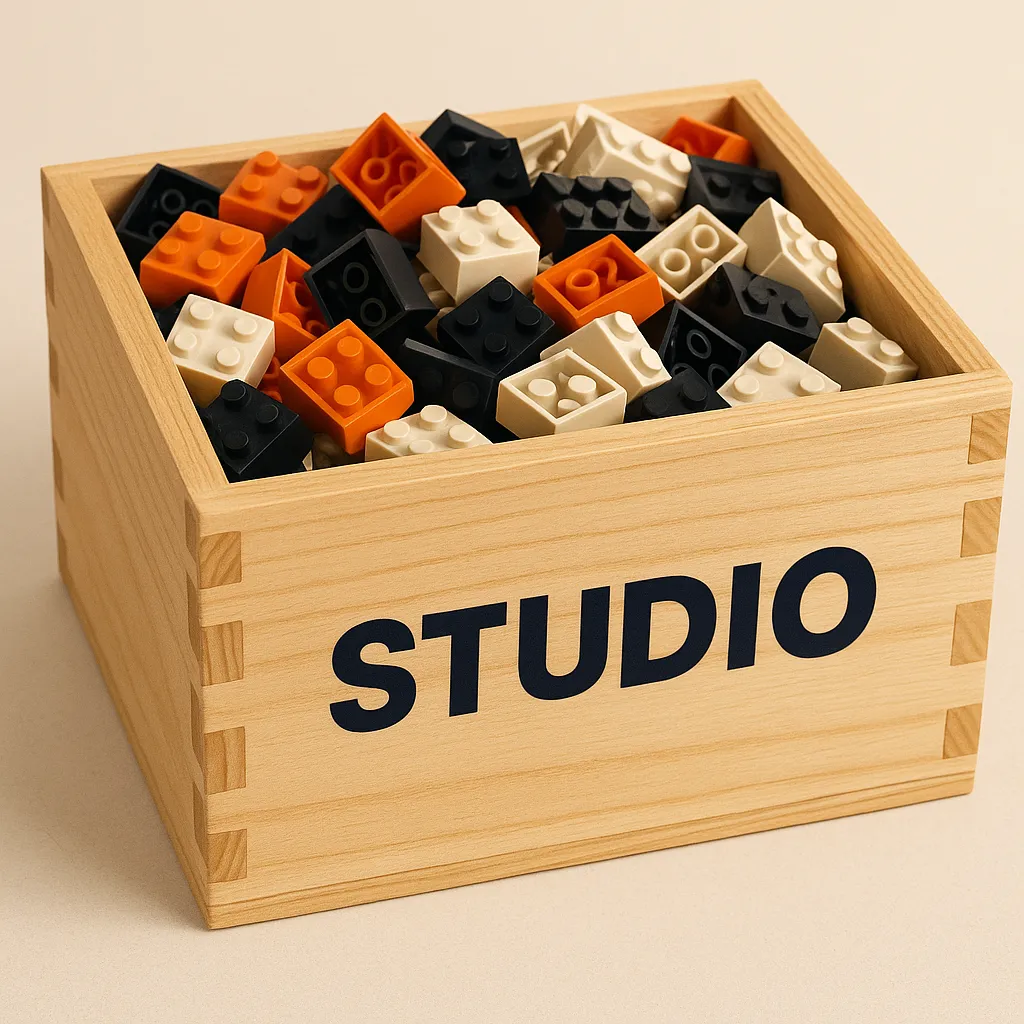
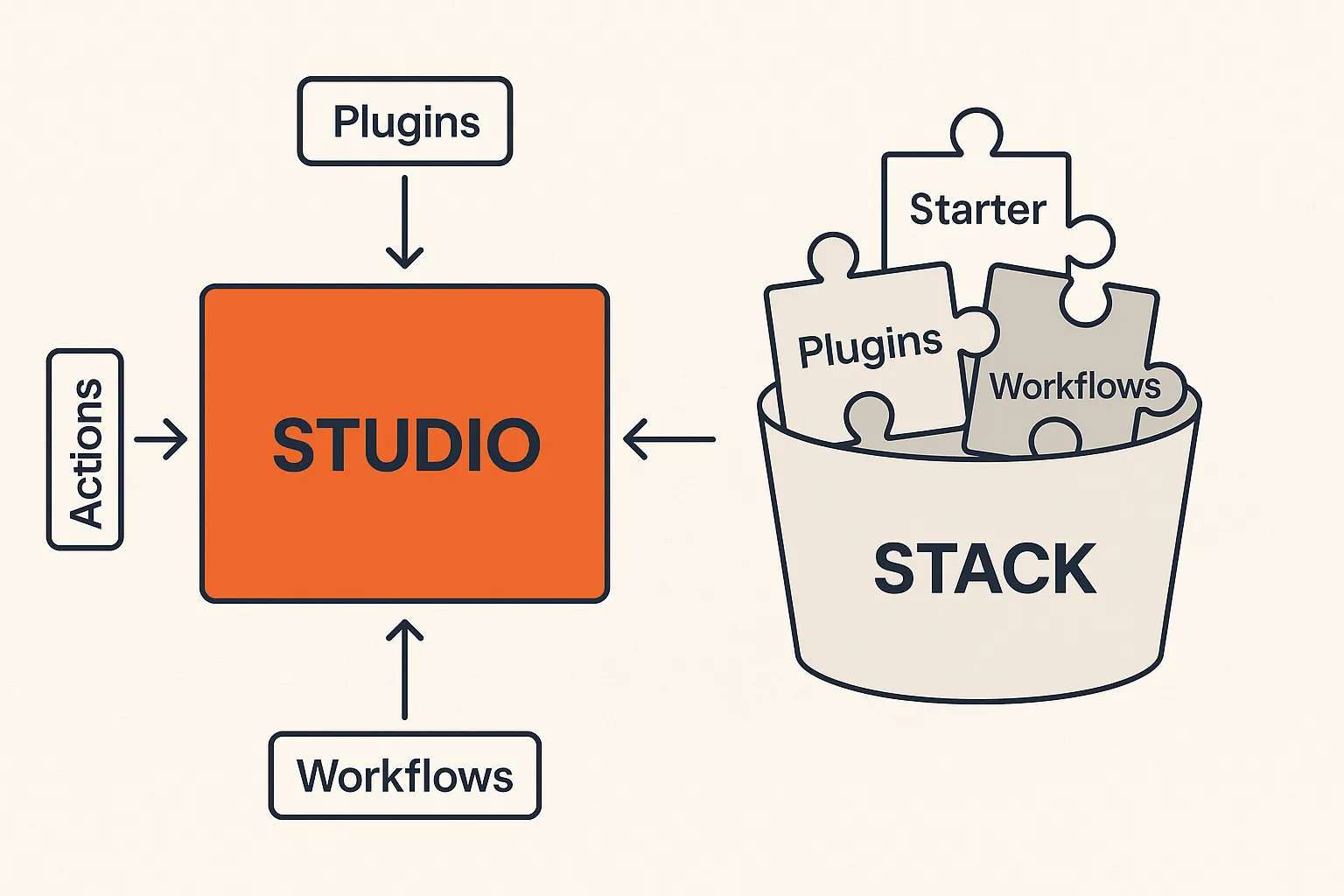
- Studio = Toy Box
The Studio acts as your toy box, a central place where all your building blocks are stored and organized. Within the Studio, you keep:
- Plugins
- Actions
You also have Stacks to help you organize Plugins, Actions, and Starters, grouping related components to facilitate reuse and maintain order.
- Plugin = Building Block
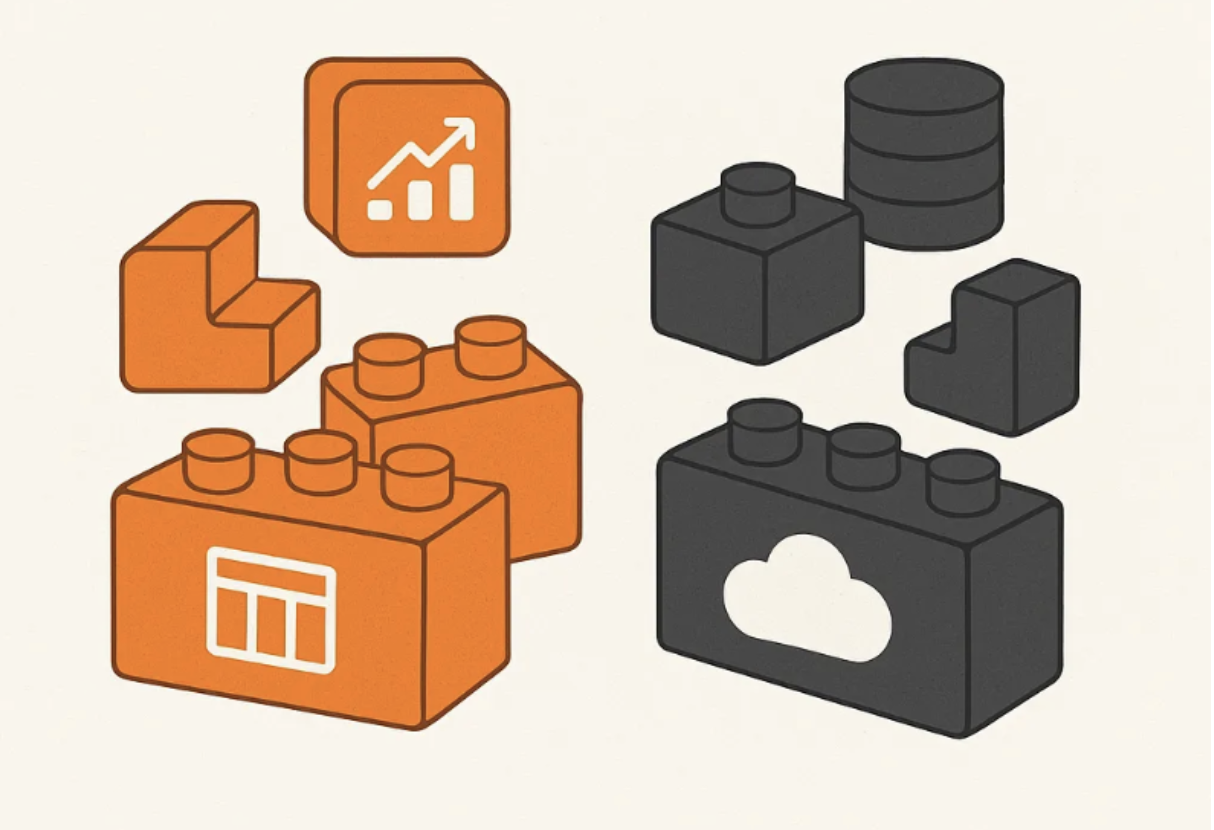
A Plugin is like an individual building block in your set. It contains the necessary source code for your Application or Infrastructure. Plugins can serve different purposes:
-
App Plugins: Represent business logic components (e.g., CRUD operations, API endpoints).
-
Infra Plugins: Implement infrastructure resources as Infrastructure as Code (IaC) with tools like Terraform (e.g., databases, cloud resources).
Just as a block can be added to different toy constructions to introduce new features (such as a window, door, or wheel), Plugins in StackSpot can be combined in various ways to extend the capabilities of your solutions.
- Action
An Action is a component that represents a script designed to automate tasks within your project. You can write this script in Python or Shell.
- Stack = Collection of building blocks
A Stack is a container filled with building blocks organized by category. It serves as a collection where you can find everything necessary to construct various projects, grouped by theme or utility—for example, an Angular Stack or a Java Stack.

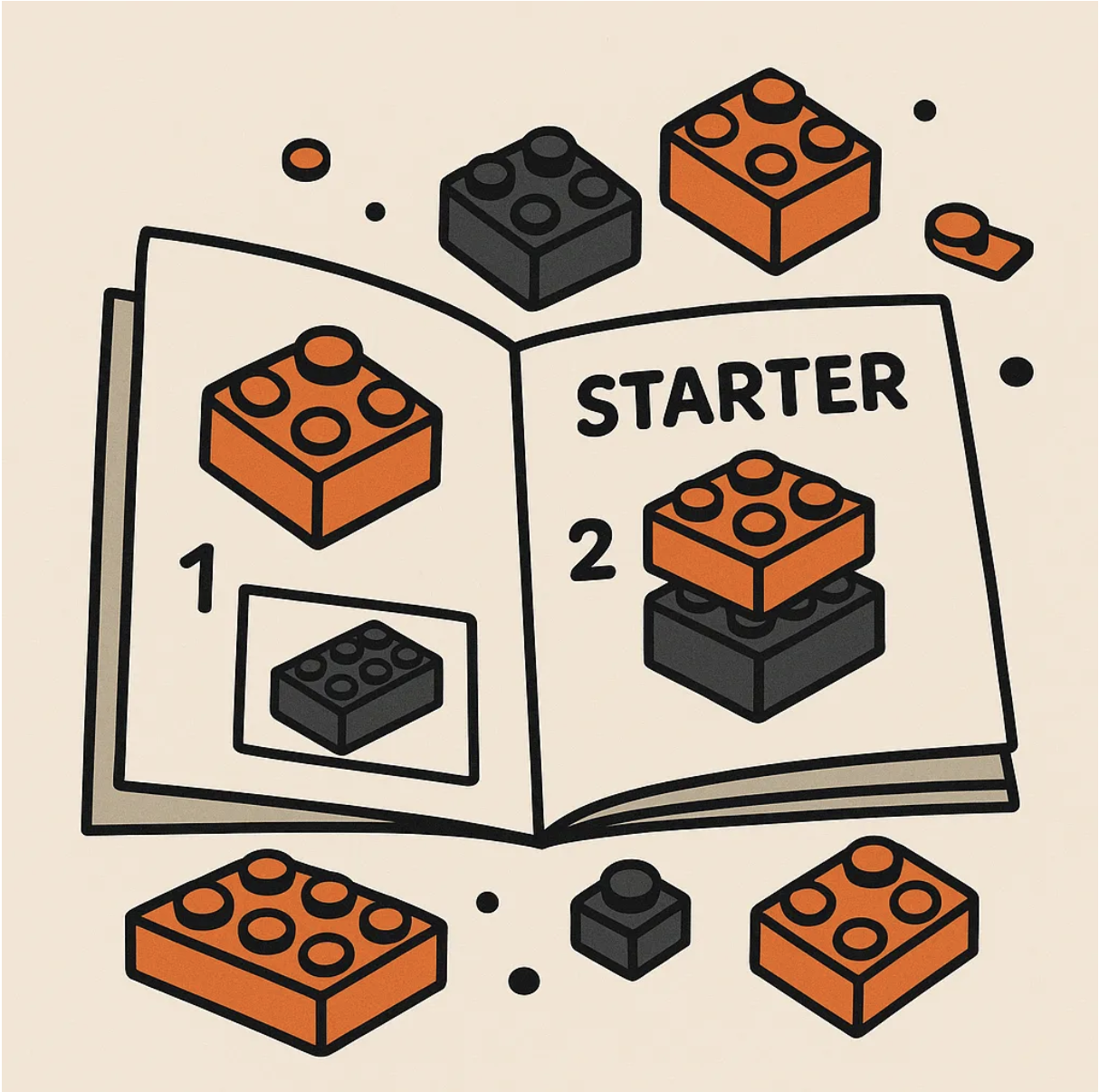
- Starter = Instruction manual for each Stack category
A Starter acts as the instruction manual for each Stack category. Each Stack includes a Starter for its respective categories, allowing you to create objects such as Applications or Infrastructures.
- Workflow: a manual that guides you on how to assemble each piece
The Workflow is the process of following the manual and fitting the pieces together until everything is ready. It is the path taken to transform loose parts into something functional. In StackSpot, the Workflow defines the order in which contents (Actions and Plugins) are executed to generate the resources requested by the user in the StackSpot EDP Portal, such as Create App or Create Infra, for example.
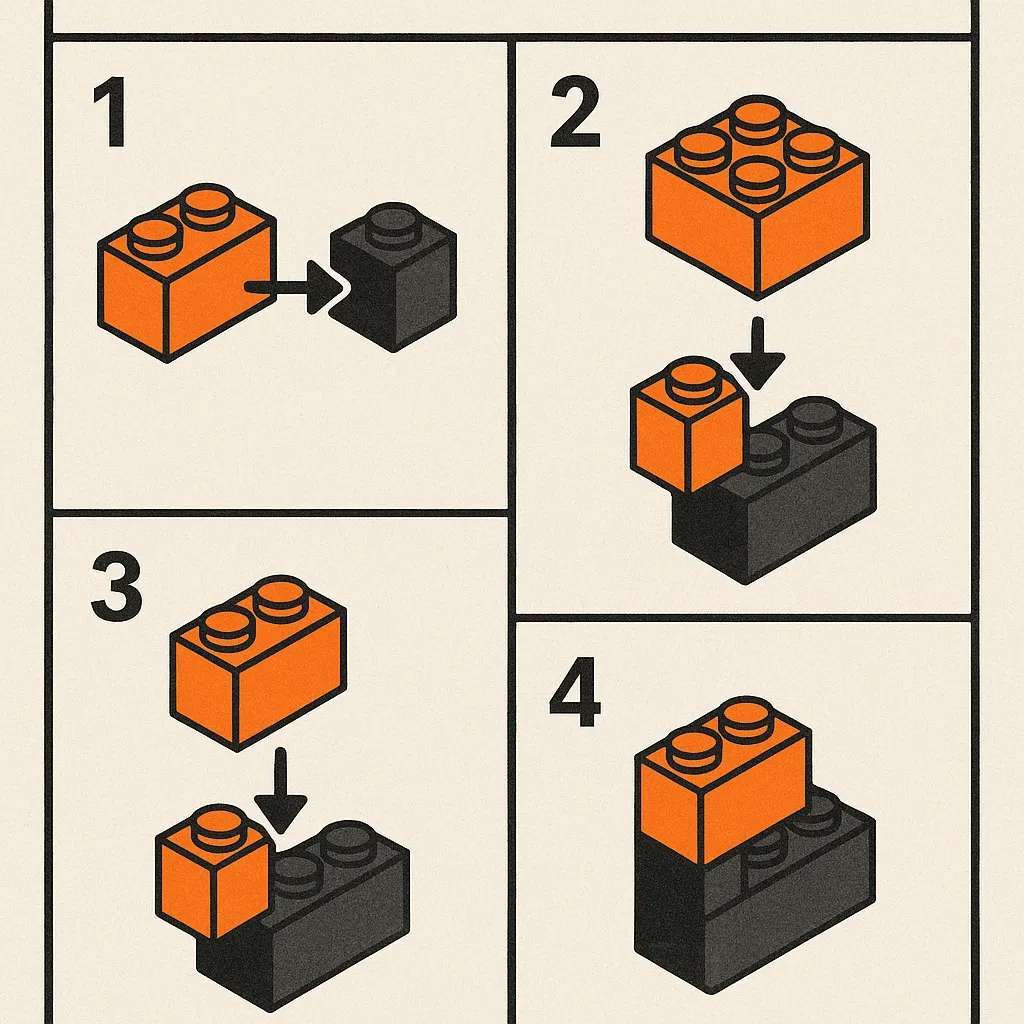
- Application/Infrastructure = The Finished Toy
The final result of combining all these building blocks is your Application or Infrastructure, just like assembling a complete toy from individual pieces. At this stage, you have a fully constructed solution ready to be used, deployed, or shared with others. This is where all your efforts in organizing, configuring, and integrating different components come together to deliver a functional and valuable product.

Content Hierarchy
Some content can be created within a Studio, such as:
- Stacks
- Plugins
- Actions
- Starters
All content is stored within a Stack, which works as an organizer or a package of content. Starters are different ways to use this package. For example, you can have a Starter that creates an Application with a database or another that creates it without a database. This way, you can choose the option that best suits your needs.
User Journeys in StackSpot EDP
Content Creator
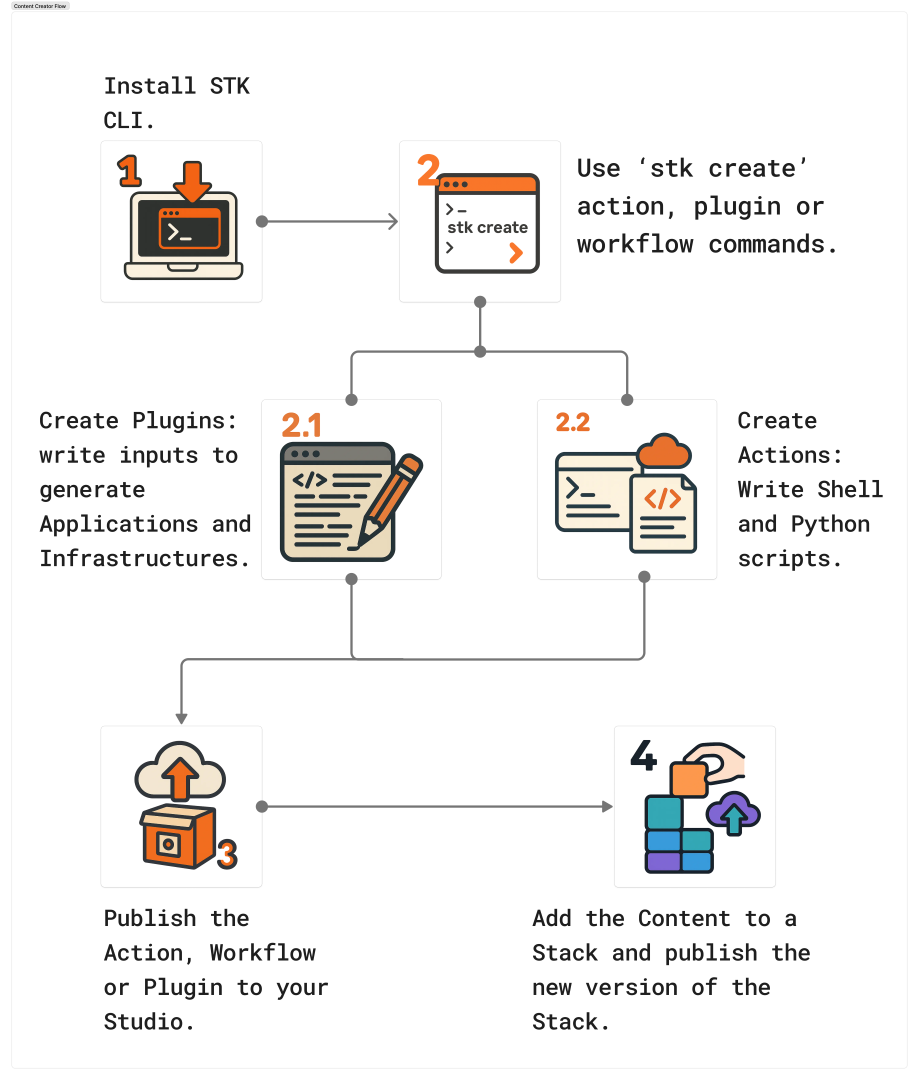
The Content Creator in StackSpot is responsible for creating Plugins, Actions, and Stacks published in Studios.
Prerequisites
To be a Content Creator, you must have:
- An account with specific permissions to create content on the StackSpot EDP Portal.
- An active account in your organization’s Source Code Management (SCM) system (such as GitHub, GitLab, or Azure).
You must have the following installed on your machine:
- STK CLI: This is required for integration with StackSpot EDP.
- Visual Studio Code and the SDK for the programming language you will be using.
Essential Concepts for Creators
Connection Interface
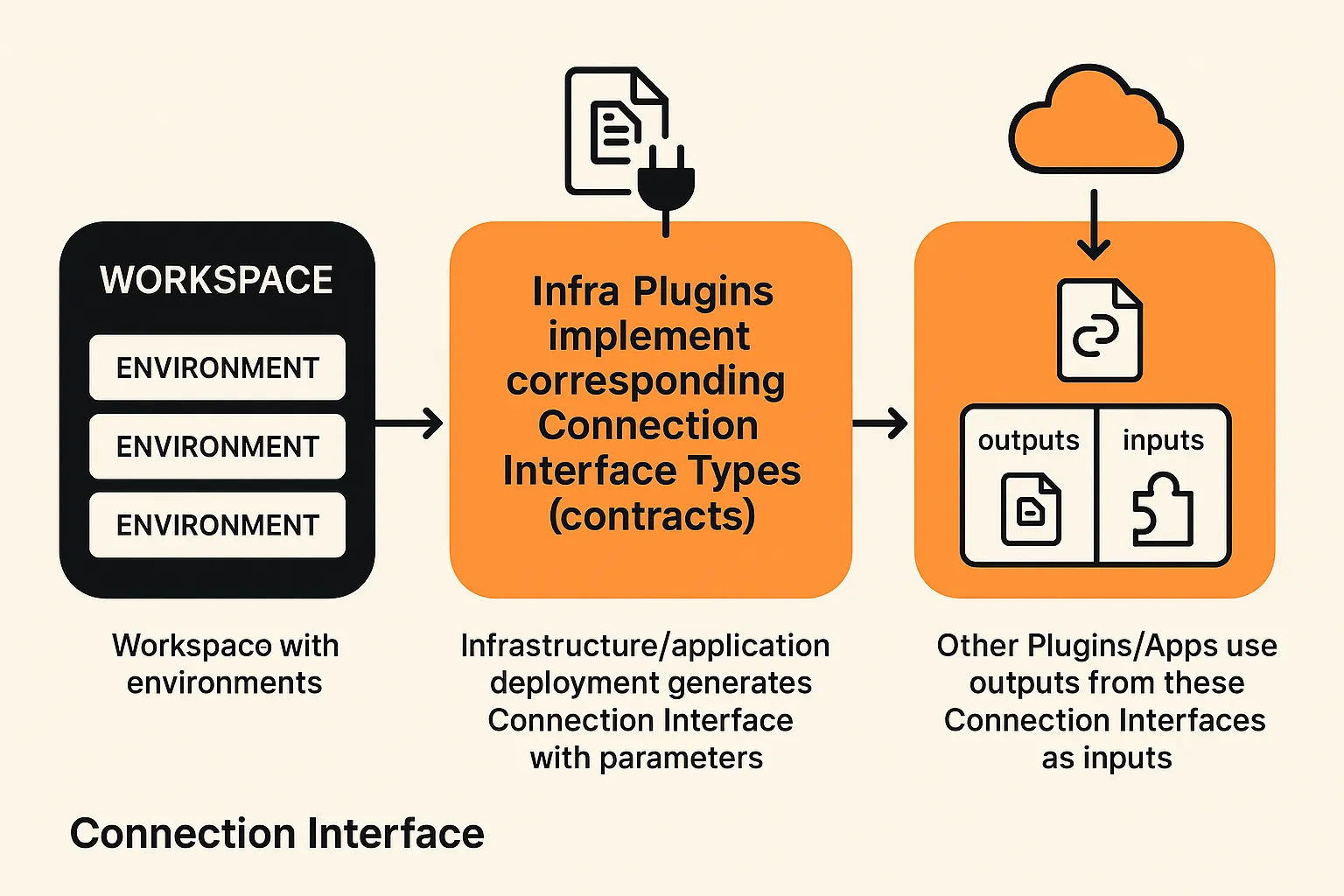
A Connection Interface is a set of parameters associated with an AWS resource that enables it to connect with other resources on the platform.
Each AWS service has specific attributes when registering a Connection Interface, which is established during the deployment of the Infrastructure. This setup allows any Infrastructure or Application that is compatible with the Connection Interface contract to connect seamlessly.
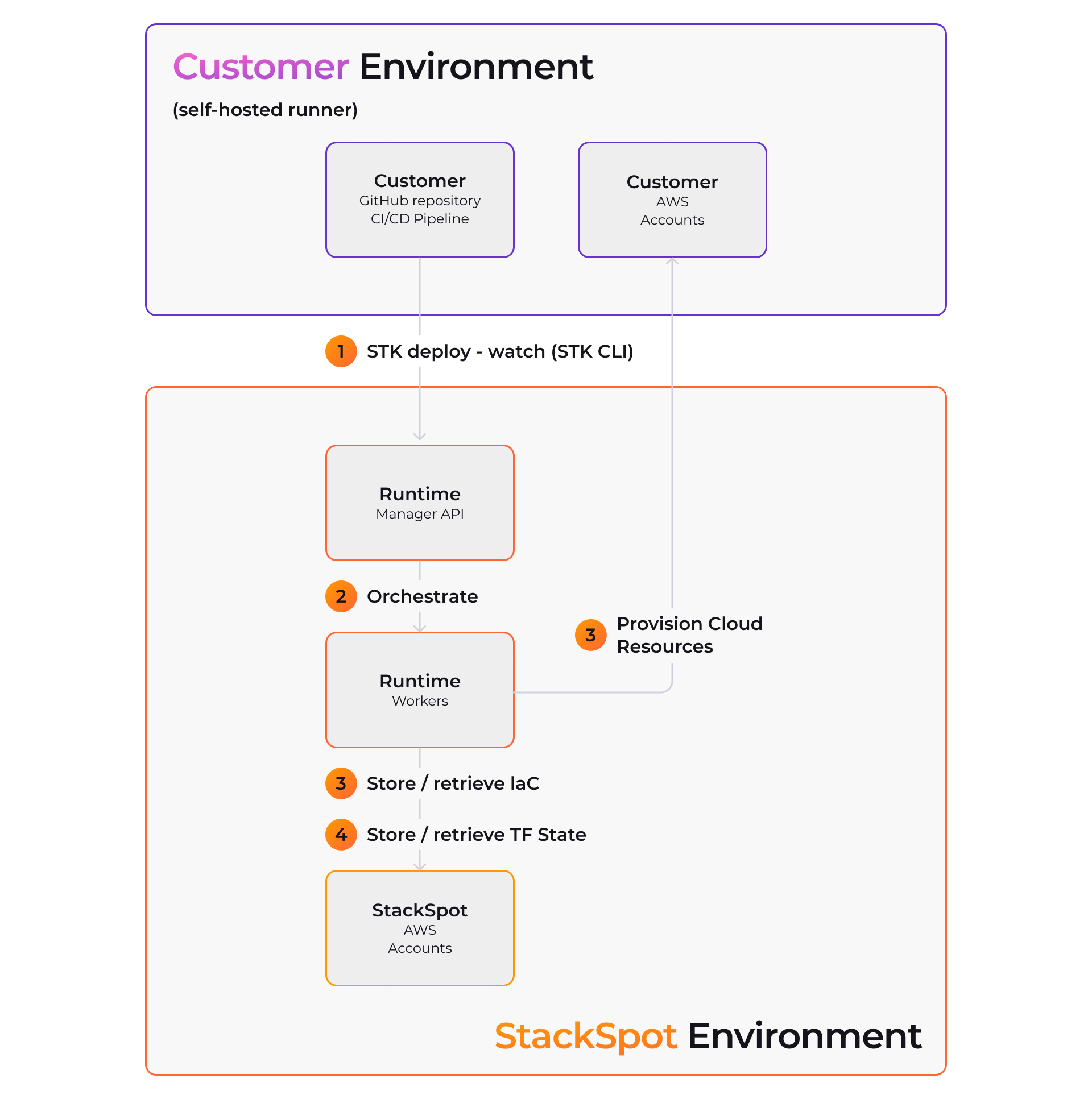
Self-Hosted
Self-Hosted option allows you to run StackSpot EDP on your company’s own servers instead of utilizing StackSpot’s cloud Infrastructure.
Instead of relying on an environment managed by StackSpot, you can install and operate the platform within your own environment, whether that be on-premises or in a private Cloud.
This configuration should only be performed by the Site Reliability Engineering (SRE) team.
Content Consumer
A Content Consumer is a user who utilizes content created and published by Content Creators within StackSpot.
When you use StackSpot to develop Applications or Infrastructure, you work with content such as Plugins and Actions, which are grouped into Stacks and published in Studios.
Your organization's platform architects (Content Creators) standardize all this content, allowing you to focus on implementing the unique features of your Application or Infrastructure.
By leveraging these pre-configured technology components, you save time and ensure best practices are followed in every project.
You can only use the content available in the Stacks assigned to your Workspace by your organization.
Prerequisites
You must have the following:
- StackSpot EDP Portal: An account with permissions to access content.
- An active account in your organization’s Source Code Management (SCM) system (e.g., GitHub, GitLab, or Azure). Please check with your account administrator.
Additionally, ensure that you have the following installed on your machine:
- VS Code and the SDK for the programming language you will be using.
1. Creating Your Application or Infrastructure
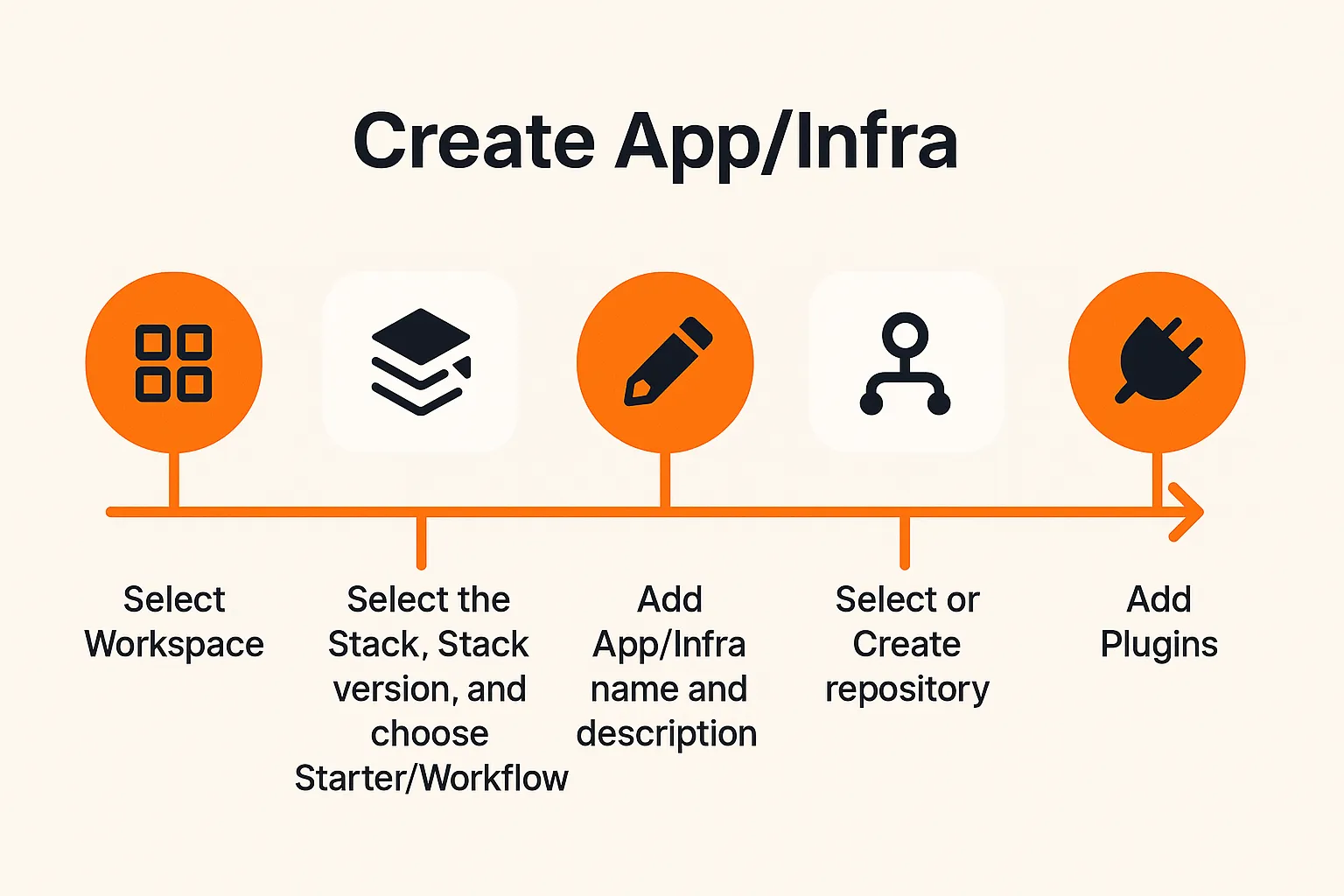
An Application (App) and an Infrastructure (Infra) are created through similar workflows, outlined in the steps below:
Step 1. Select the Workspace where you will create your Application or Infrastructure;
A Workspace is required to create an App or Infra.
Step 2. Choose the Stack (and its version) and select a Starter;
Step 3. Provide a name and description for your App or Infra;
Step 4. Select or create a repository;
Step 5. Add any necessary App or Infra Plugins;
Refer to the following image for a visual representation of the Application and Infrastructure creation flow in StackSpot EDP.
To find detailed steps for creating an Application, refer to the following pages:
For complete steps on creating Infrastructure, see the following:
2. Deploying Application or Infrastructure Components
With StackSpot EDP, you can deploy your Infrastructure components using Infrastructure as Code (IaC). This enables your Application and Infrastructure code to utilize ready-to-use Infrastructure building blocks.
Refer to the following resources for comprehensive information on deployment in EDP:
- Deploy an Application or Infrastructure
- Deploy an Application Infrastructure
- Deploy Infrastructure
- Deploy Application Infrastructure via Self-Hosted Runtime
- Register Application Deployment