Passwordless Login
In this section, you will find information on how to login to the StackSpot Portal without a password.
Passwordless login is enabled only for organizations that do not use the Single Sign-On method.
Passwordless login allows you to access StackSpot without having to enter your password every time. You can use an access key, such as your mobile device or browser profile, to log in quickly and securely.
Check below for how to set up passwordless login for your StackSpot Account:
Enabling Passwordless Login
Step 1. Go to the Account Portal;
or, after logging into the StackSpot Portal, click your profile avatar;
Step 2. Click on 'My Profile';
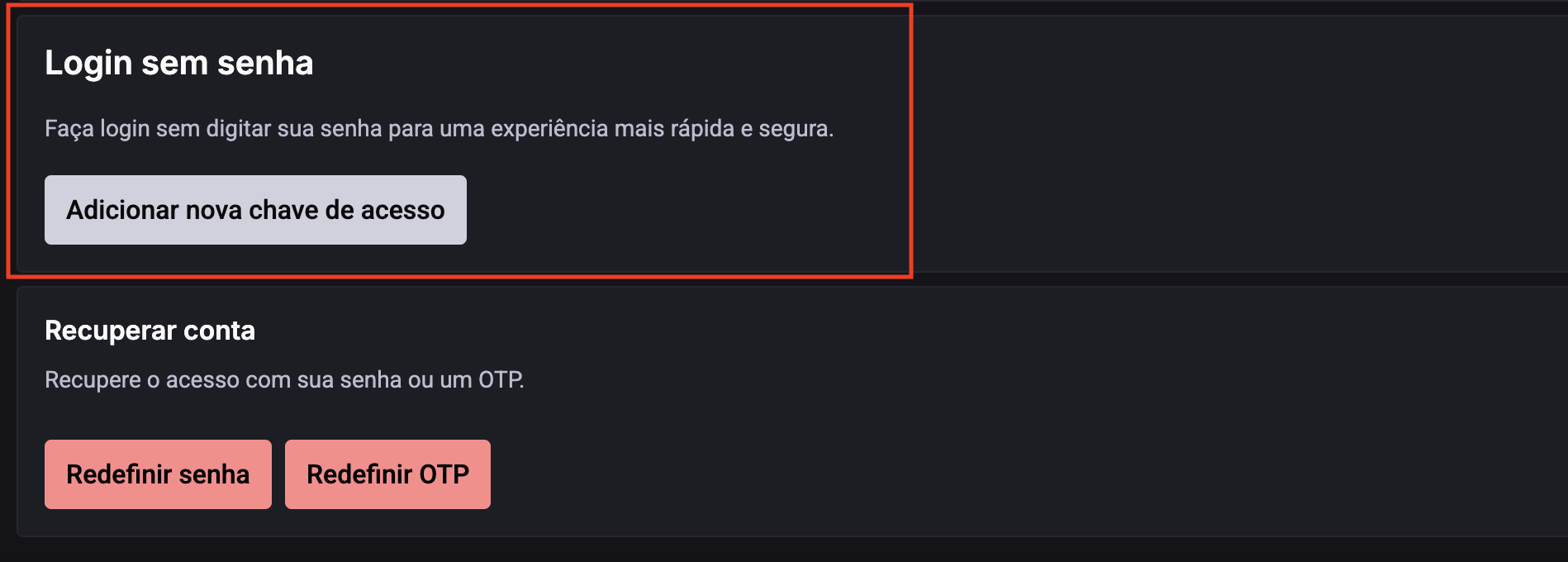
Step 3. In the Passwordless Login section, click 'Add new access key';
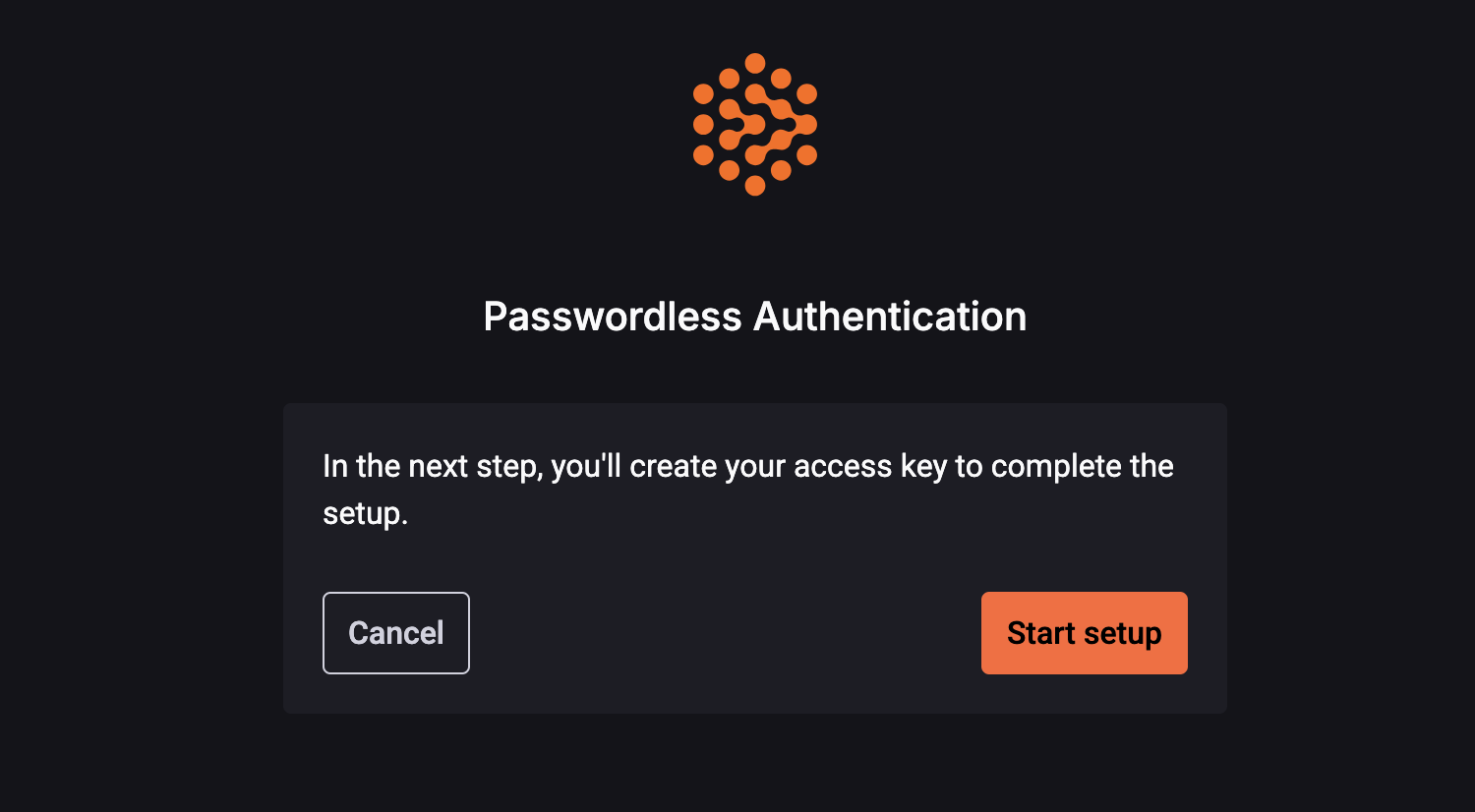
Step 4. Click 'Start Setup' to begin creating your access key;
Step 5. Choose where to save your access key:
- Password manager
- Smartphone or tablet
- Browser profile (for example, Chrome)
- USB security key
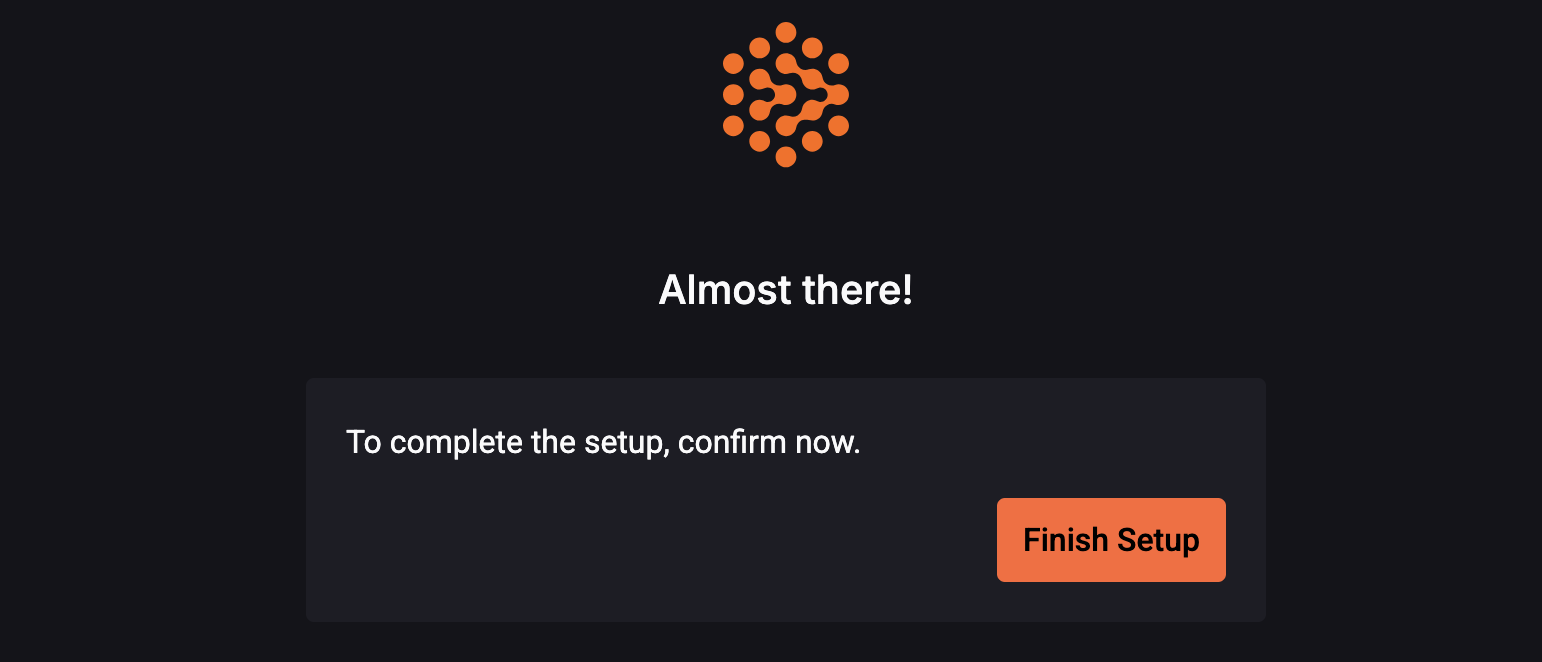
Step 6. After choosing an option, click 'Finish Setup';
Step 7. Complete the authentication. Once the access key is registered, you will be authenticated and redirected to the StackSpot Portal.